


Snapping Fingers
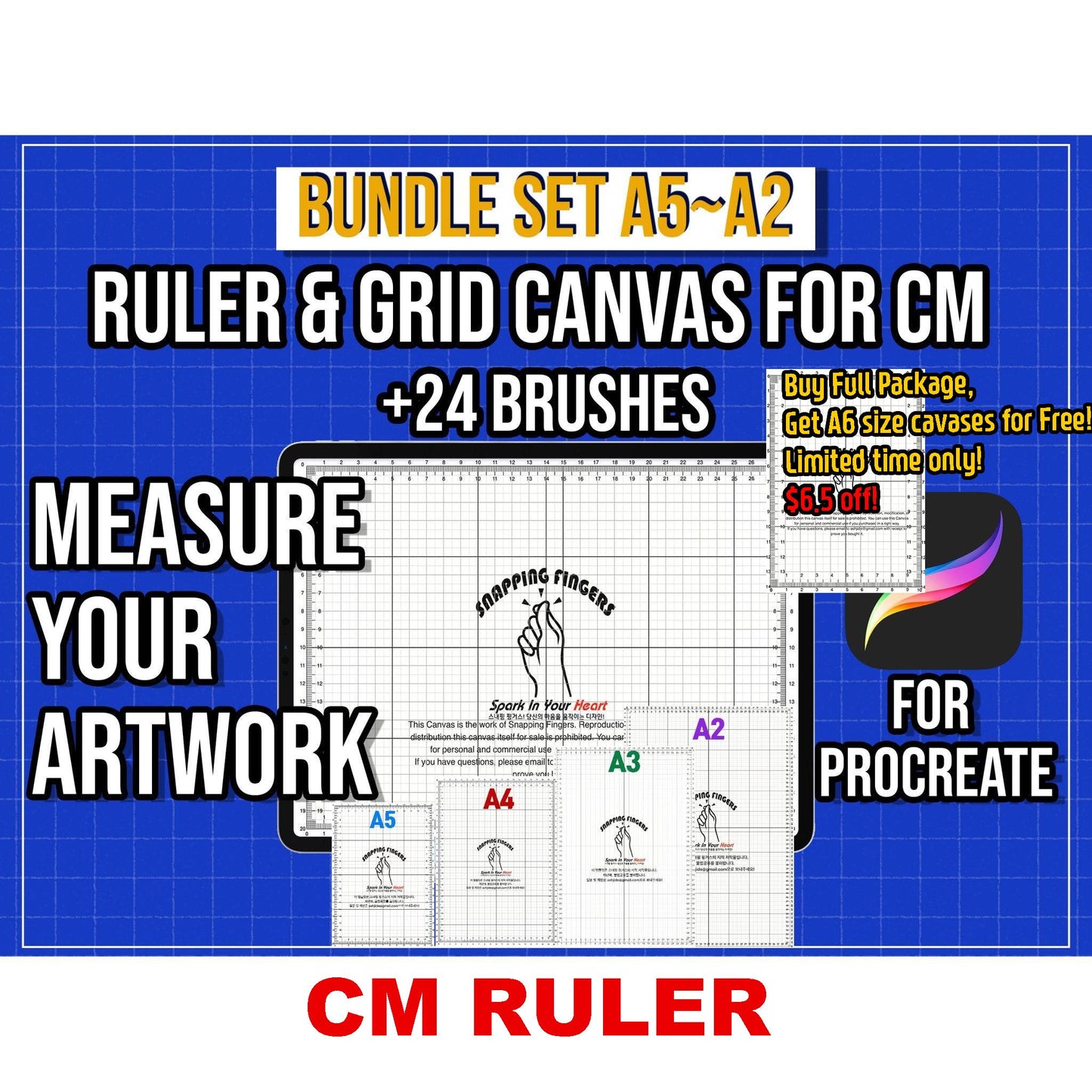
Bundle Set: Procreate Ruler Grid Canvases (A5 · A4 · A3 · A2 · Letter) – For CM + 24 Brushes
Bundle Set: Procreate Ruler Grid Canvases (A5 · A4 · A3 · A2 · Letter) – For CM + 24 Brushes
Couldn't load pickup availability
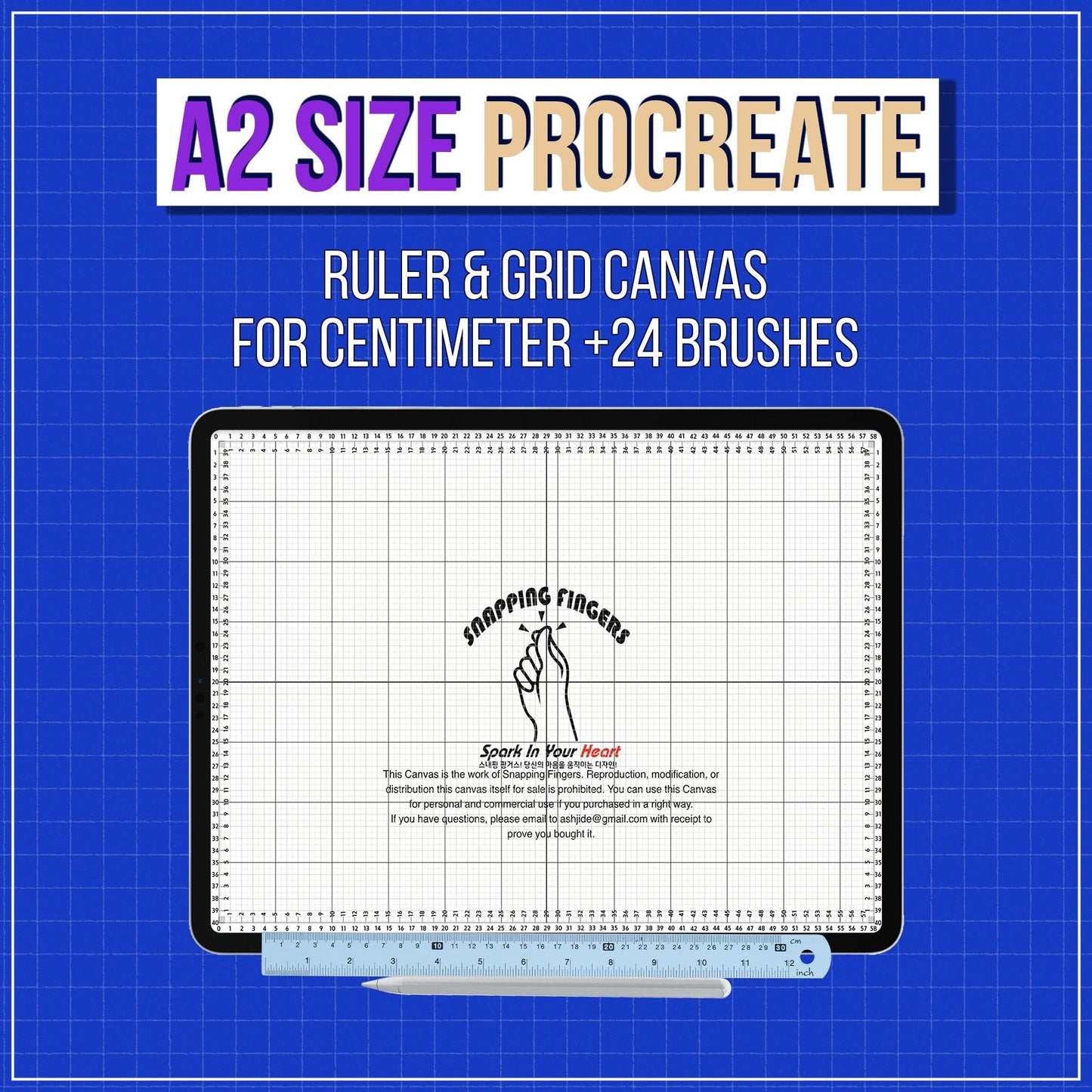
Measure. Align. Create — All Inside Procreate.
Struggling with the lack of a ruler function in Procreate?
This complete bundle gives you all major canvas sizes, allowing you to measure, align, and design accurately — without switching to another app.
Perfect for illustrators, designers, and creators who want precision, flexibility, and efficiency in one set.
✨ Why You’ll Love This Bundle
✔ Accurate measurement directly inside Procreate
✔ No exporting or external tools required
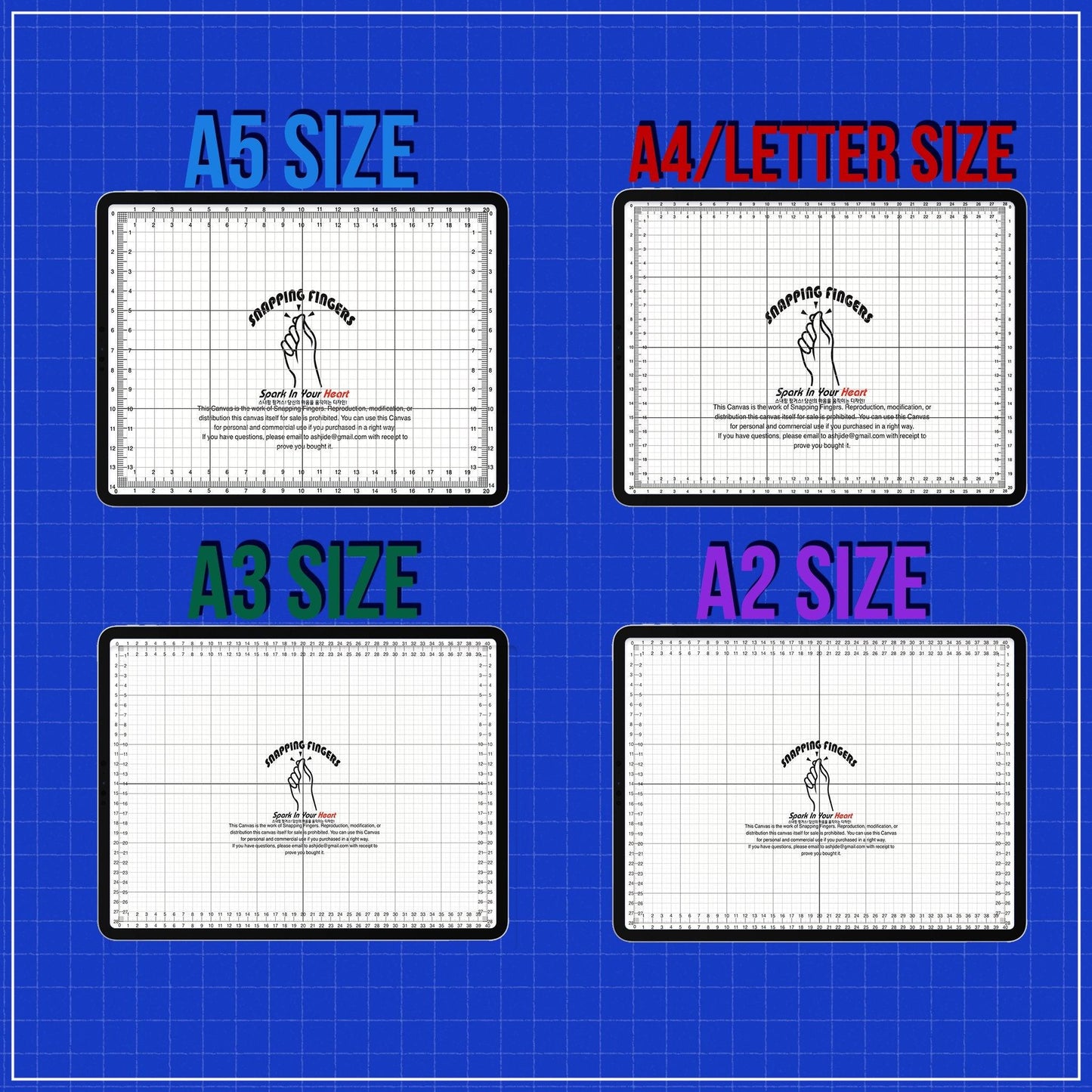
✔ Covers all major paper sizes for professional work
✔ Ideal for both digital and print-based projects
🎨 Perfect For
- Digital illustrators
- Graphic & print designers
- Calligraphy artists
- Tattoo designers
- Anyone working with multiple canvas sizes
📐 What’s Included
📦 Canvas Sizes (CM Based)
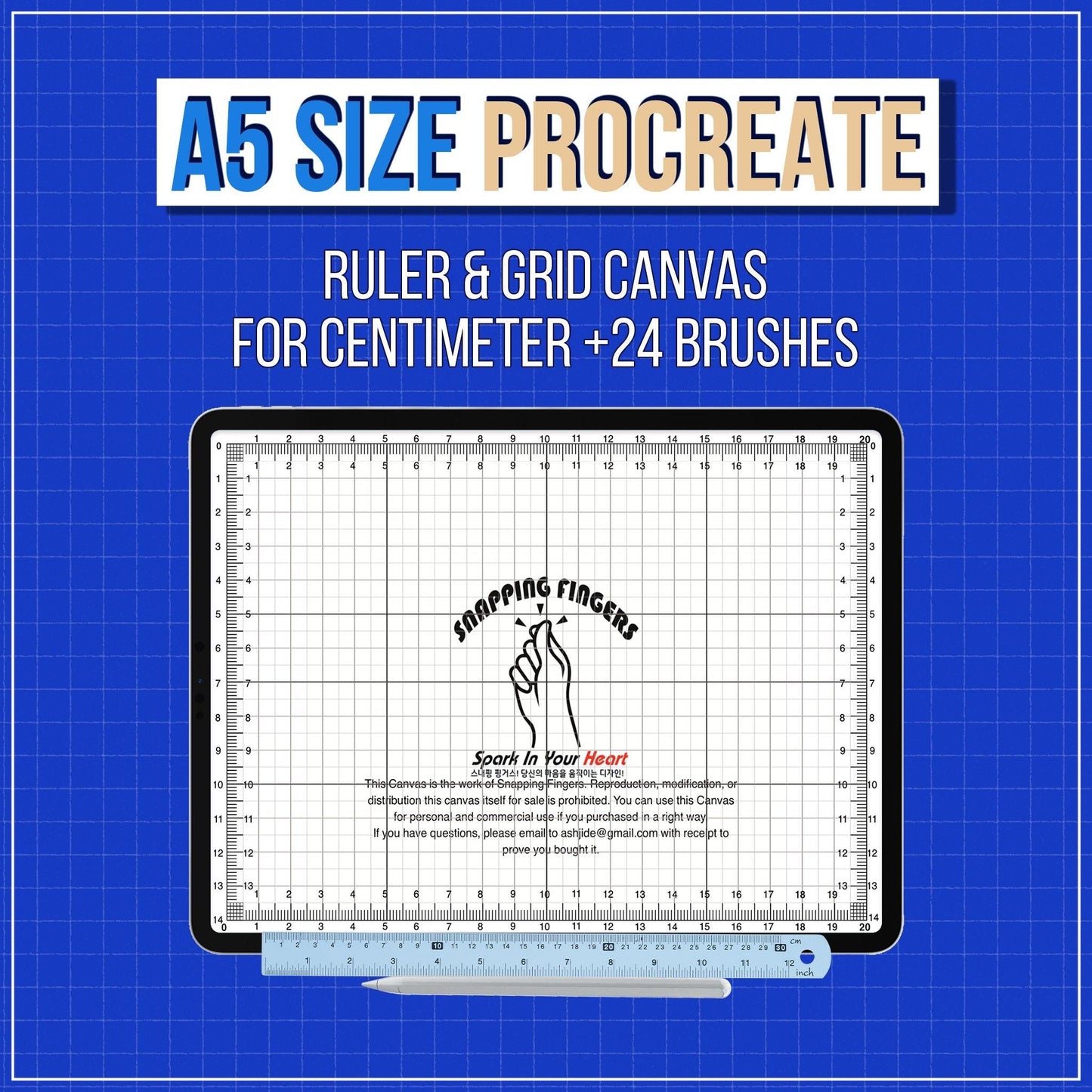
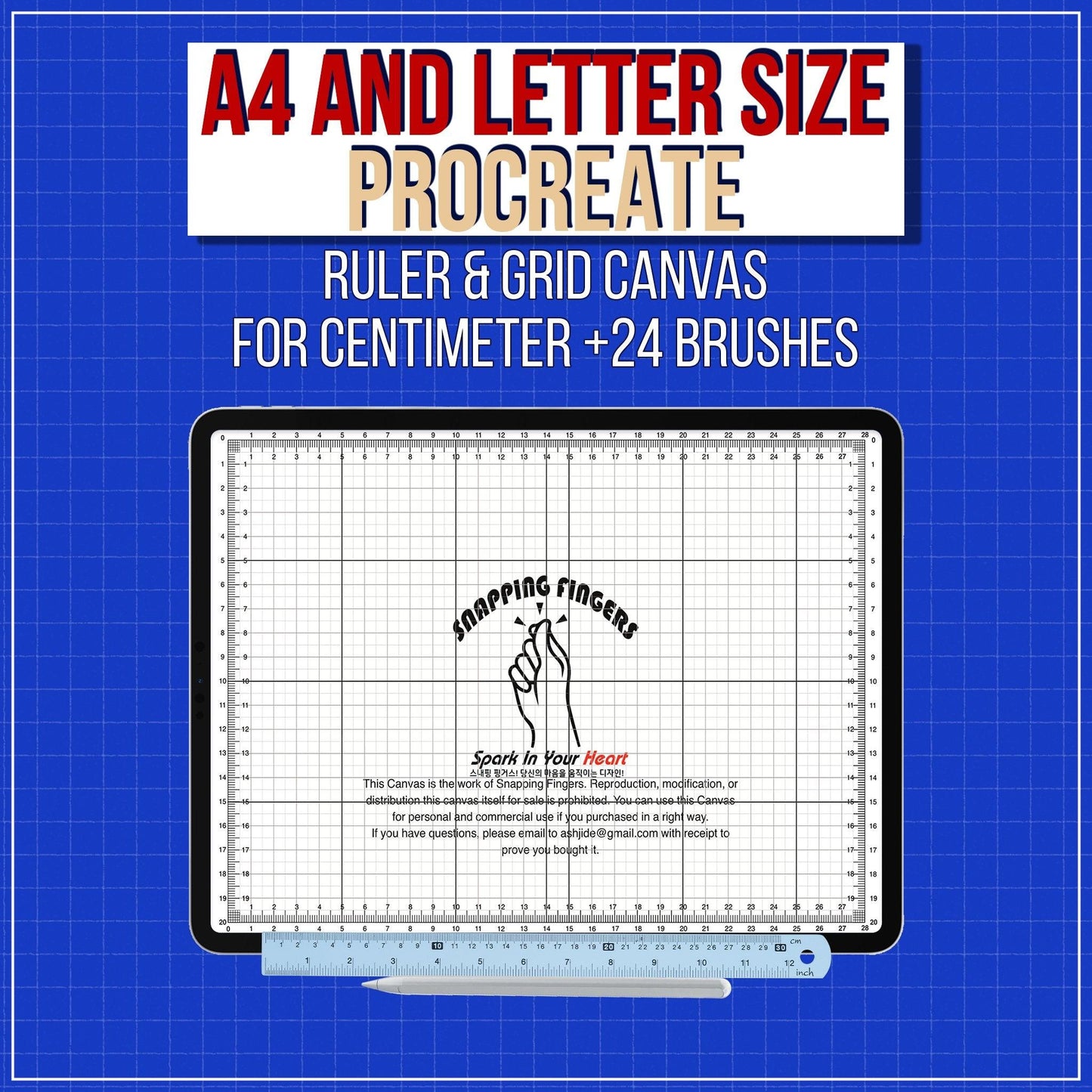
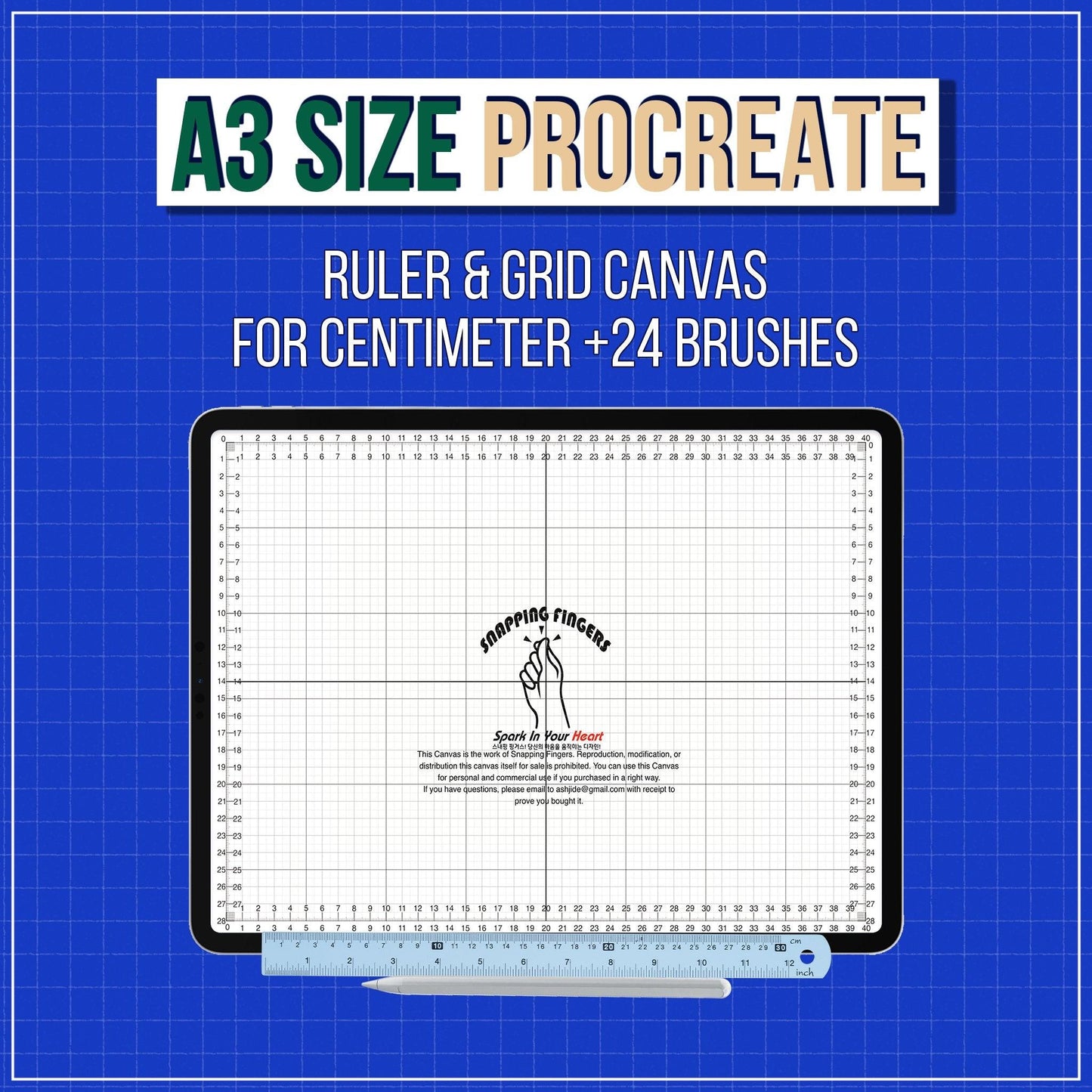
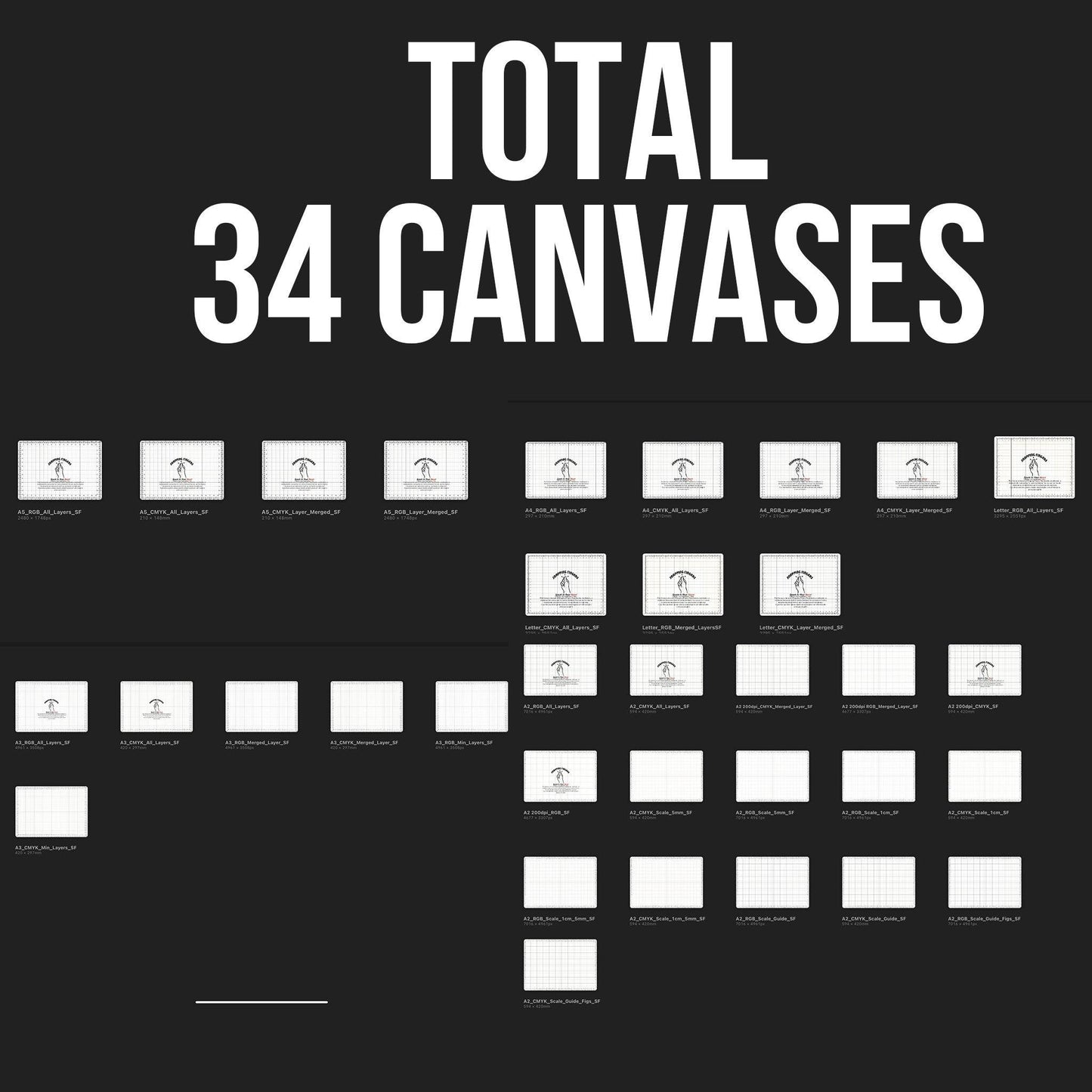
- A5 / A4 / A3 / A2 / Letter
- Optimized for accurate centimeter measurements
- Portrait & landscape versions included
📏 Built-in Rulers & Grids
- Precise ruler guides for each canvas size
- Clean grid layout for alignment and spacing
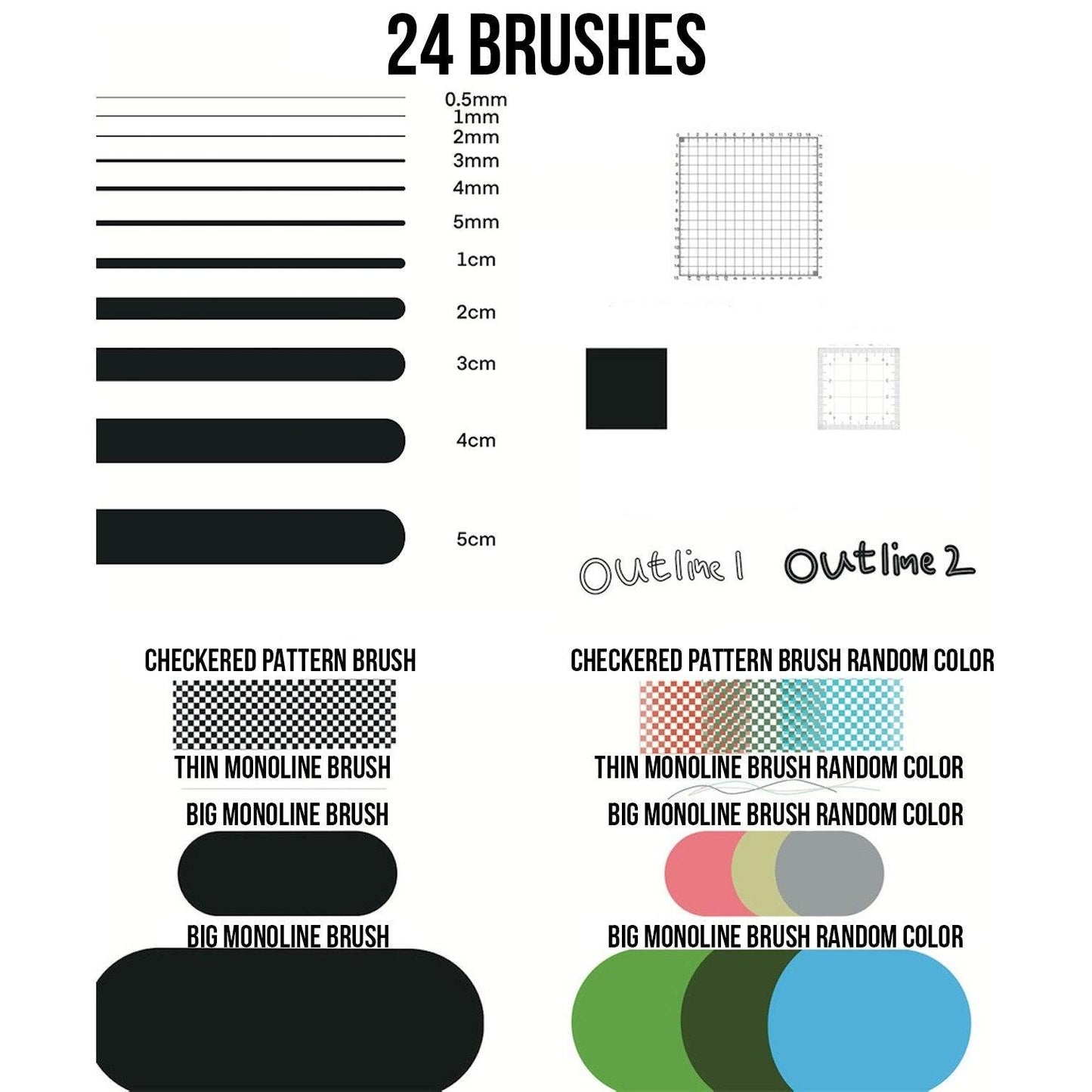
🖌 24 Precision Brushes
Fixed-size brushes for consistent line quality
Perfect for layout, sketching, and detailing
🧩 Bundle Options (Choose Your Set)
1️⃣ A5 + A4 & Letter + 24 Brushes
2️⃣ A4 + A3 + 24 Brushes
3️⃣ A3 + A2 + 24 Brushes
4️⃣ A5 + A2 + 24 Brushes
5️⃣ A4 & Letter + A2 + 24 Brushes
6️⃣ A5 + A3 + 24 Brushes
7️⃣ All Sizes Bundle (A5 + A4 + A3 + A2 + Letter)
➝ Includes A6 Bonus Canvas (Limited Time)
🧩 Designed for Professional Workflows
Accurate Measurements
All canvases use real-world centimeter scaling for precise layouts.
Flexible Orientation
Switch between portrait and landscape effortlessly.
Reliable Results
Consistent proportions and spacing across all projects.
🖨 Print-Ready Output
Export your artwork as a PDF and print at actual size — no distortion, no guesswork.
⚡ Easy Setup
- Download the files
- Open in the Files app
- Import into Procreate
- Start creating immediately
- Support contact details are included in the download.
🌟 What Creators Are Saying
⭐️⭐️⭐️⭐️⭐️
“This is exactly what I’ve been missing in Procreate!”
⭐️⭐️⭐️⭐️⭐️
“So useful and clean. Makes my workflow much faster.”
⭐️⭐️⭐️⭐️⭐️
“Perfect for print work and illustration.”
🚀 Upgrade Your Workflow Today
Create with confidence.
Design with precision.
👉 Add to Cart and Start Creating
Check out the instruction video!
Share
Very happy with my purchase! There was a small issue with my order, but Alex’s quick assistance made everything right. Excellent customer service and a fantastic product that I’m excited to continue using
Very useful considering how poor the Procreate Perspective guides are.
Fantastic, extremely useful and great brushes, highly recommend! :)
I love it so much It saves me so so much time while scetching
Very nice. Love it!